Endpoint Hub
Endpoint Hub
Explore comprehensive tools and guidance for Endpoint Hub.
Popular Articles
Endpoint Hub FAQs
Can the sensor run without an internet connection?
No, the sensor requires an internet connection to run. The sensor needs to be connected to the internet in order to perform checks, receive policy updates, and report results. Without an internet connection, the sensor cannot function properly.
How often do tasks run?
The sensor performs checks at regular intervals to maintain up-to-date system security. Tasks typically run anywhere from once every few minutes to once per day, depending on configuration settings and requirements. Tasks follow a schedule for prompt issue detection and can also be triggered manually or by specific events like system reboots or policy updates.
What is Endpoint Security?
Endpoint security refers to the protection of individual devices (endpoints) such as computers, laptops, and servers from cybersecurity threats. It involves security measures like antivirus software, firewalls, encryption, and monitoring tools to detect vulnerabilities and prevent attacks. The sensor helps enforce endpoint security by checking for misconfigurations, inactive security software, and other risks that could compromise the system.
What’s the difference between Unauthorized, Paused, Deactivated and Uninstalled?
- Unauthorized - The sensor is not logged in using the company’s SSO. This potentially could affect identifying the user of the sensor. The “Disconnect” button will unauthorize the sensor’s logged user.
- Paused - The sensor is temporarily halted but can be easily resumed. This state is often used for maintenance or troubleshooting purposes.
- Deactivated - The sensor is not running and not collecting data. This should be used when a device is no longer relevant, but might be in the future. The sensor will still be installed on the user’s device.
- Uninstalled - The sensor will be removed from the user’s device. This should be used when a device is no longer relevant and never will. This is irreversible.
Which operating systems are supported?
The Rotate Sensor supports Windows and macOS operating systems.
Video Tutorials
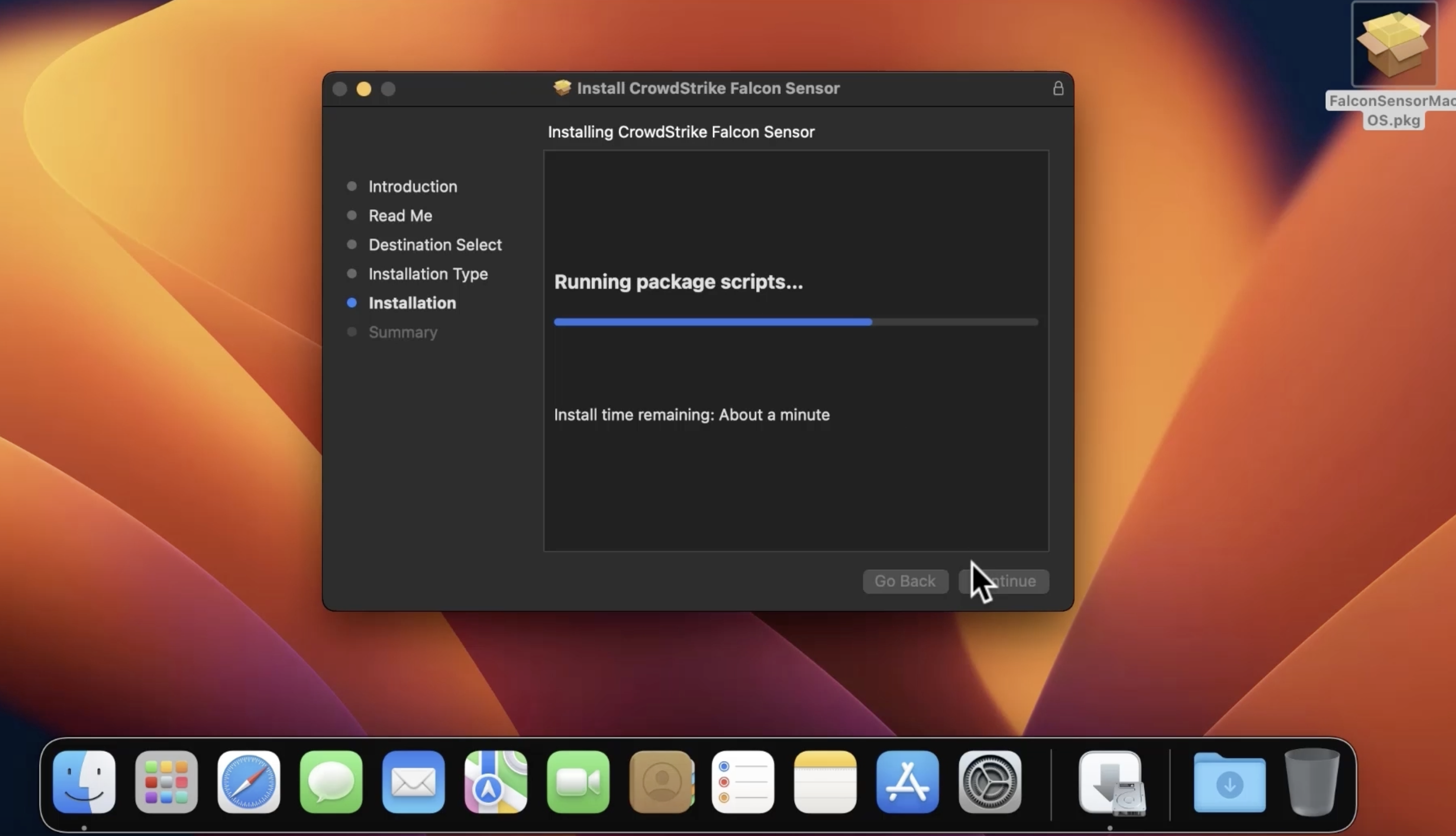
Installing the Mac CrowdStrike Sensor
 2 min
2 min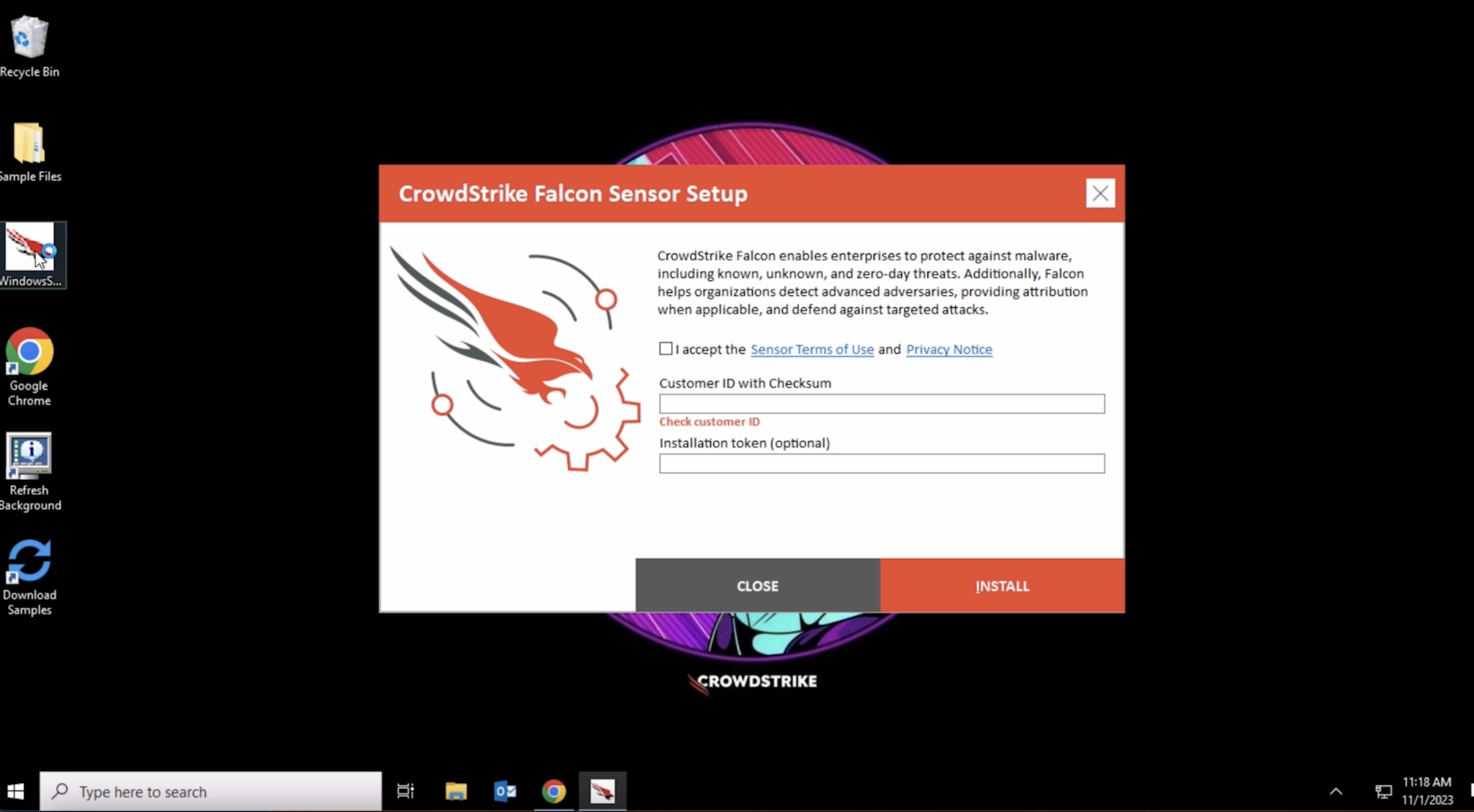
Installing the Microsoft CrowdStrike Sensor
1 min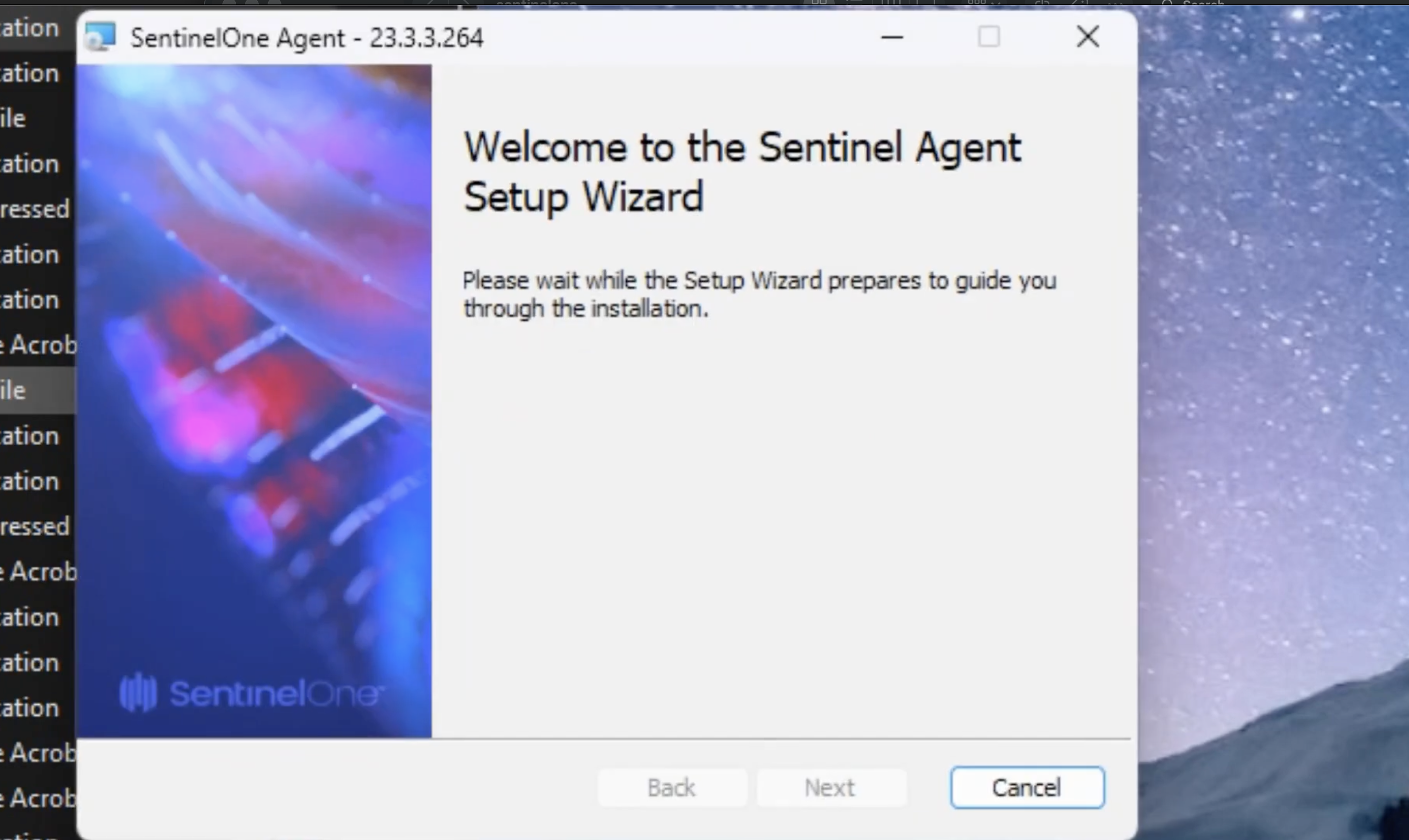
Installing the Microsoft SentinelOne Sensor
1 min